Good network design for surveillance cameras is the invisible foundation every reliable system stands on, and the reason two identical camera lists can produce one flawless system and one that stutters every evening. An IP camera system is, underneath the security label, a small dedicated network moving many video rivers at once — and networks reward planning and punish improvisation. This guide walks the backbone decisions in the order they matter: how much bandwidth you actually generate, how to lay the topology, why cameras deserve their own isolated lane, and the cabling and redundancy that separate a system that lasts from one that ages into mystery faults.
Key takeaways
- Add up your streams honestly — bandwidth demand grows fast when every camera goes 4MP or 8MP.
- A hierarchical topology — access switches feeding a core — scales far better than one giant switch.
- Put cameras on their own VLAN: it isolates them from office traffic and from attackers alike.
- QoS gives video priority so a big office download never freezes a live view.
- Gigabit backbone and quality copper are cheap now and impossible to retrofit cheaply later.
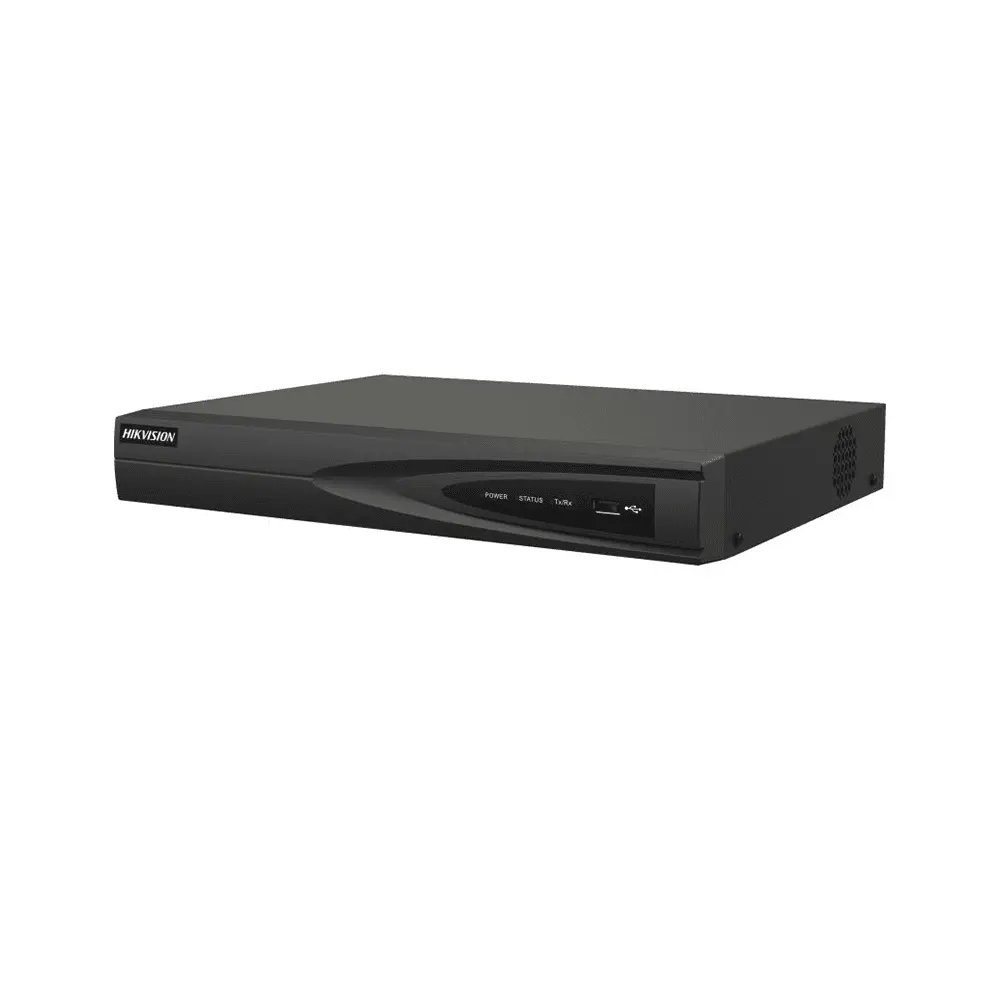
A clean network design keeps every camera reachable and stable
Start with the bandwidth math
Everything downstream depends on one honest sum: how many megabits per second your cameras produce. With H.265, a 2MP camera runs around 2 Mbps, a 4MP around 4, an 8MP around 8 — multiply by camera count for the total the network must carry to the recorder, every second, forever. Sixteen 4MP cameras generate roughly 64 Mbps sustained, which a gigabit backbone handles with enormous room but a 100 Mbps link begins to strangle. Do this sum before choosing a single switch; it is the number that decides whether your design breathes or chokes.
Topology: how the pieces connect
For anything past a handful of cameras, a hierarchical design wins: access switches sit near clusters of cameras, and each feeds a central core switch over a fast uplink to the recorder. This keeps camera cable runs short, localizes faults to one branch, and lets the system grow one access switch at a time. A flat star — every camera home-running to one switch — is fine for a small home but becomes a cabling nightmare and a single point of failure at scale. Ring topologies with managed switches add self-healing redundancy for critical sites, where a cut cable must never blind a wing.
VLANs: give cameras their own world
Cameras sharing the office network is the quiet mistake behind both congestion and security exposure. A VLAN — a virtual separated network on the same switches — puts the cameras in their own isolated world: office downloads never steal their bandwidth, and a compromised office laptop cannot reach the recorder. It is the single most valuable managed-switch feature for surveillance, and the reason businesses graduate from unmanaged boxes. Our cybersecurity guide treats this isolation as a core defense, not an optional nicety.
Quality of Service: video goes first
When a network shares mixed traffic, QoS is the traffic policeman that waves video through first. Without it, a staff member uploading a huge file can freeze every live view and drop recorded frames at the worst moment. With QoS prioritizing the camera VLAN, video keeps flowing smoothly no matter what the office is doing. On a properly isolated camera network QoS matters less, but the moment cameras and business traffic must coexist, it becomes the difference between smooth footage and stutter.
Cabling: the layer you install once
Cable is the one part you cannot upgrade with a settings change, so install it right the first time. Pure copper Cat6, not copper-clad aluminium — CCA drops voltage over PoE runs and starves distant cameras. Respect the 100-meter limit per segment, and reach farther with a switch in the path or fiber for the long backbone hauls between buildings. Terminate connectors properly, label both ends of every run, and keep camera cable away from mains power to avoid interference. The cabling you rush is the fault you chase for years.
Redundancy: what must never go dark
Decide which failures you can tolerate. For most sites, a UPS on the recorder, core switch and router is the essential redundancy — it keeps recording and remote viewing alive through the power cut that so often accompanies incidents. Critical installations add more: dual power supplies, ring topology that survives a cut cable, RAID storage that survives a dead drive, and even a second recorder. Match the redundancy to the cost of a blind spot: a jewelry vault and a garden camera do not deserve the same insurance.
Design targets by system size
| System | Backbone | Isolation & priority | Redundancy |
|---|---|---|---|
| Home, 4–8 cameras | One gigabit PoE switch | Separate from guest Wi-Fi | A small UPS |
| Shop / office, up to 16 | Access + core, gigabit | Camera VLAN | UPS on core + recorder |
| Multi-floor building | Switch per floor + fiber/gigabit core | VLAN + QoS | Dual power, health monitoring |
| Factory / campus | Fiber backbone, ring core | Full VLAN/QoS design | Ring + RAID + spare recorder |
Document it, or inherit a mystery
The last design step costs an hour and saves years: draw the network. A simple diagram of switches, uplinks, VLANs and IP ranges, plus a list of which camera lives on which port, turns every future fault from an archaeology dig into a five-minute fix. Sites without documentation are the ones where adding one camera takes a technician half a day of tracing cables. Label ports, keep the diagram with the license papers, and update it whenever the system grows.
The path your video takes from the camera to your phone
Frequently asked questions
Can cameras and the office share one network?
They can, and small sites often do — but the clean answer is a camera VLAN on the same switches: same wires, separated worlds. It protects both bandwidth and security for the price of a managed switch.
Do I need fiber?
Only for long backbone runs beyond copper's 100 meters, or between buildings, or where electrical interference is heavy. Inside one building, quality gigabit copper carries most camera systems comfortably.
Will a bigger office switch work for cameras?
For data, yes; for cameras it must also supply PoE within a real power budget, and ideally support VLANs and QoS. Check the PoE budget against your cameras' night draw — that is where office switches quietly fail.
How much headroom should the design have?
Plan the backbone and switches for at least fifty percent more than today's streams. Cameras multiply, resolutions climb, and the cheapest expansion is the one you designed room for from the start.
Sources and Further Reading
Related guides
- PoE switch selection guide
- Managed vs unmanaged PoE switches
- What is Power over Ethernet (PoE) and why it matters
- CCTV cybersecurity: protecting your cameras from hacking
Let us design the backbone with you
FastEgy's engineers design surveillance networks for Egyptian buildings and factories daily — bandwidth math, topology, VLANs, redundancy, and a diagram you keep. Send your site through the contact page, or build the pieces from switches and cabling in the FastEgy store.