Hikvision ISAPI integration is the technology that lets your cameras become part of something bigger than a camera system — and understanding what ISAPI enables for building custom integrations matters the moment a business wants its surveillance to talk to its other software. ISAPI (Internet Server Application Programming Interface) is Hikvision's developer API: a defined, documented way for custom software to communicate with Hikvision cameras and recorders — pulling events, streaming video, reading status and sending commands. It is what turns a closed camera system into an open building block that a developer can wire into access control, a point-of-sale system, a custom dashboard or a business application. This guide explains, in plain terms, what ISAPI is, what it enables, who it is for, and its honest limits.
Key takeaways
- ISAPI is Hikvision's developer API — a documented way for custom software to talk to its devices.
- It lets you pull events, stream video, read status and send commands programmatically.
- It turns a camera system into a building block for custom integrations and automations.
- It is a developer tool — for businesses with a technical team or an integrator, not end users.
- Most owners never need it directly; standard apps and software already cover normal use.
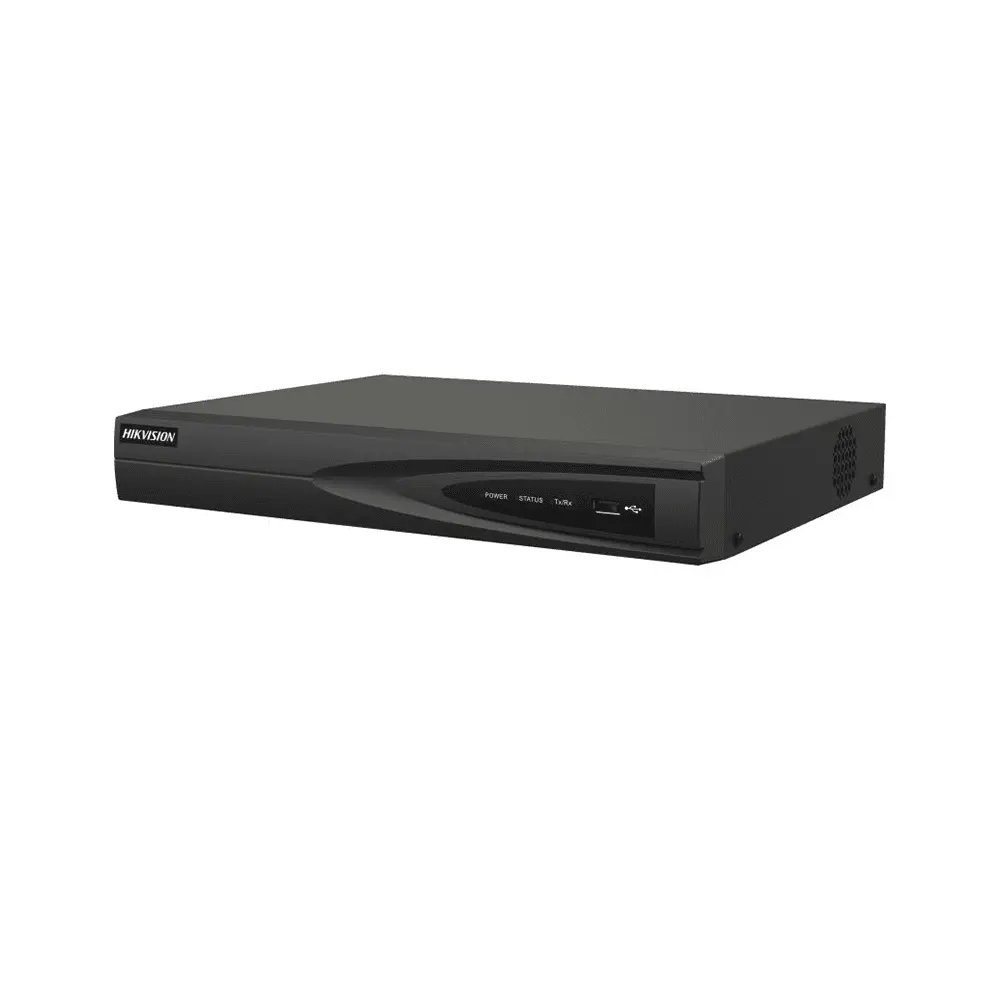
Integrations talk to the recorder through documented interfaces
What an API is, in plain terms
Before ISAPI specifically, it helps to picture what an API is. Think of it as a menu of requests a device understands: a defined list of questions you can ask and commands you can give, in a language software can speak. Your phone app already uses Hikvision's API behind the scenes — that is how it shows live video and receives alerts. ISAPI is that same menu opened up for developers to use directly, so instead of only the standard app talking to your camera, your own software can too. It is the difference between a device you can only use through its own app and a device your own systems can build on.
What ISAPI enables
- Event integration: push camera events — motion, line crossing, an AcuSense human detection — into another system in real time.
- Video access: pull live streams or recorded clips into a custom dashboard or application.
- Device control: send commands — move a PTZ, trigger an output, change a setting — from your own software.
- Status and health: read device state programmatically to feed a monitoring or management system.
- Cross-system automation: link cameras to access control, POS, alarms or business logic that reacts automatically.
Real-world integrations it makes possible
The value of ISAPI shows in what businesses build with it. A retailer links each point-of-sale transaction to the camera over the till, so a receipt and its video are bookmarked together and a refund can be reviewed in one click. A factory ties an AcuSense human-detection event in a restricted zone to its own safety system, which sounds an alarm and logs the incident automatically. A company merges its access control and cameras so every door-open event jumps straight to the video of who walked through. A software house builds a custom dashboard showing dozens of sites on one screen with the exact widgets that business needs. In each case ISAPI is the bridge that let the camera system become part of a larger, automated whole rather than a stand-alone island.
Who ISAPI is for — and who it is not
ISAPI is a developer tool, and being honest about that saves confusion. It is for businesses with a technical team or a systems integrator who want their cameras to work with other software — bespoke integrations, automations, custom dashboards, links to business systems. It is not something an ordinary owner uses directly, and it is not needed for normal viewing, recording or alerts: the standard Hikvision apps and management software already cover all of that comfortably. So if your goal is simply to watch your cameras and get notifications, you never touch ISAPI. If your goal is to make your cameras a live part of a larger custom system, ISAPI — through a developer — is exactly how that is done. Knowing which camp you are in tells you whether this technology is relevant to you at all.
A retail chain that linked till and camera
A growing retail chain came to us with a specific, recurring pain: refund fraud and cashier disputes that were nearly impossible to investigate, because reconciling a suspicious transaction meant hunting for the right moment in hours of till-camera footage by hand. Their point-of-sale system and their Hikvision cameras were two separate islands that knew nothing of each other. Using ISAPI, a developer bridged them: now every transaction is stamped onto the camera timeline, so any receipt — a refund, a void, a manual discount — can be clicked to jump straight to the video of that exact second at that exact till. A dispute that used to take a manager half an hour of scrubbing now takes ten seconds, and the mere existence of the link cut the disputes themselves, because staff know each transaction is tied to its video. The cameras and the POS were both already there; ISAPI was the bridge that made them worth far more together than apart.
That chain is ISAPI in its element: not a feature an owner clicks, but the developer-built bridge that turns two separate systems a business already owns into one automated, searchable whole.
The path your video takes from the camera to your phone
Frequently asked questions
Do I need ISAPI for normal camera use?
No — normal viewing, recording, playback and alerts are all handled by the standard Hikvision apps and software. ISAPI only matters when you want custom software to interact with the devices directly, which is a developer scenario.
Is ISAPI the same as ONVIF?
They overlap but differ. ONVIF is a cross-brand standard for basic interoperability — video and PTZ across manufacturers. ISAPI is Hikvision's own richer API, exposing far more of its devices' features and smarts than the common ONVIF baseline, but only for Hikvision equipment.
Who builds an ISAPI integration for me?
A software developer or a systems integrator, using Hikvision's documentation. If you have a project in mind — linking cameras to your POS, access control or a custom dashboard — we can scope it with you and connect the right technical resources.
Is ISAPI secure to use?
It uses the device's authentication, so it is as secure as the credentials and network around it. A proper integration follows the same hygiene as any camera deployment — strong passwords, updated firmware, an isolated network — which our cybersecurity guide covers.
Sources and Further Reading
Related guides
- ONVIF protocol: why camera interoperability matters
- HikCentral Professional: centralized video management
- Access control systems explained
- CCTV cybersecurity: protecting your cameras from hacking
- Hikvision Firmware Updates
Make your cameras part of your systems
If you want your Hikvision cameras to talk to your point-of-sale, access control, or a custom dashboard, FastEgy can scope the ISAPI integration with you and connect the right technical resources — building the bridge between your surveillance and your business software. Describe your project through the contact page, or explore Hikvision systems that support it in the FastEgy store.