Choosing between EZVIZ cloud storage plans and a simple memory card is one of the first real decisions a new camera owner faces, and the right answer depends entirely on what you are protecting against. A microSD card is free after purchase but sits inside the camera; a cloud plan costs a monthly fee but keeps a copy safely off-site. This guide explains how EZVIZ CloudPlay works, how the plans compare, and which option makes sense for a single home camera, a shop, or a site with several cameras across Egypt.
Key takeaways
- A microSD card is free storage but is lost if the camera is stolen or destroyed.
- EZVIZ CloudPlay keeps an encrypted copy of footage off-site, safe from theft and damage.
- Plans differ mainly by how many days of footage are kept before older clips are overwritten.
- Each plan usually covers one camera, so multi-camera sites need a plan per device.
- The strongest setup uses a card and a cloud plan together for local speed and off-site safety.
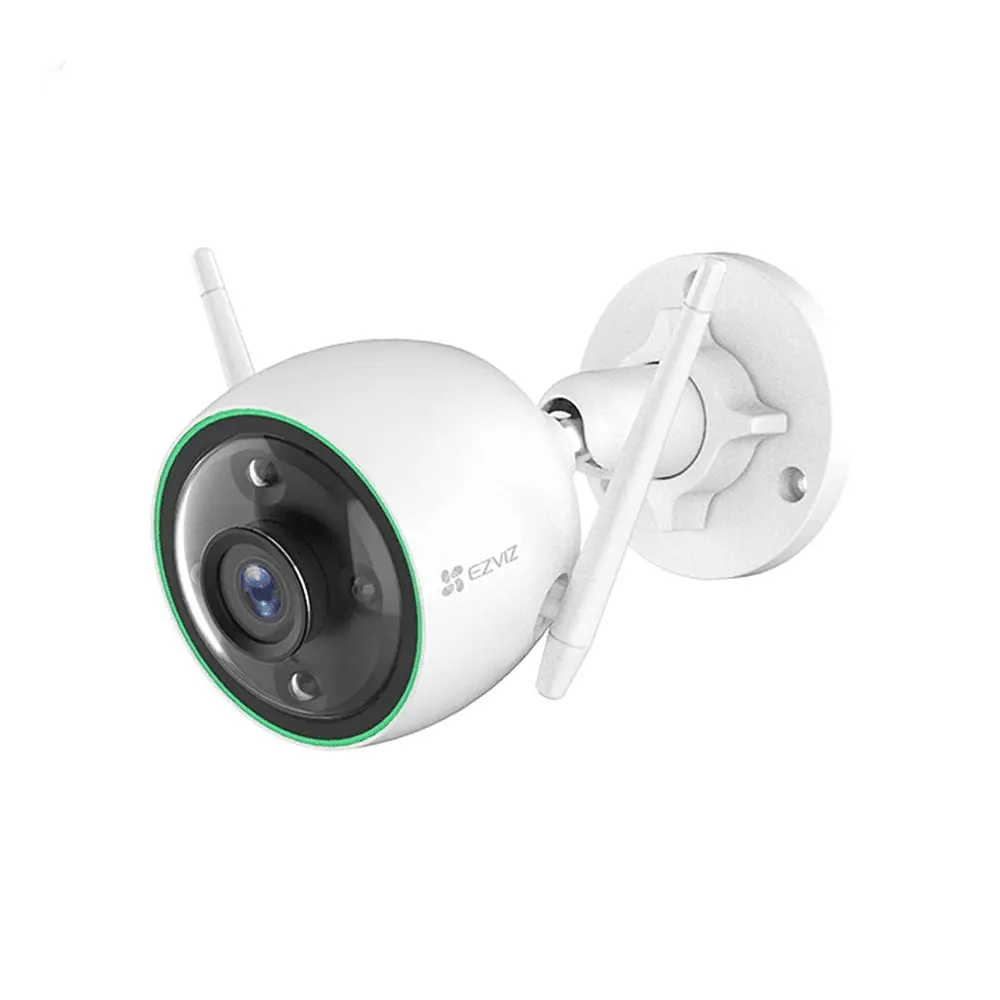
EZVIZ cameras record locally with an optional cloud plan
Why cloud storage matters for security cameras
A security camera has one job at the worst moment: to hold the evidence of what happened. The weakness of card-only storage is that the evidence lives inside the very device a thief is most likely to grab or smash. If a burglar pulls the camera off the wall, the footage of them doing it leaves with the card. Cloud storage removes that single point of failure by streaming a copy to a remote server the instant an event is recorded, so even a destroyed camera has already delivered its evidence. For anything you genuinely rely on — a shop, a cash area, a front gate — that off-site copy is the difference between footage you have and footage you wish you had.
Local storage vs cloud: the real difference
A microSD card and a cloud plan solve different problems, and understanding that stops you from overpaying or under-protecting. The card wins on cost and speed: it is a one-time purchase, records around the clock, and plays back instantly with no monthly fee. The cloud wins on resilience: it survives the camera being stolen, vandalised or unplugged, and lets you reach footage even if the local device is faulty. Neither is simply better. The card is ideal for casual monitoring where losing footage is an inconvenience; the cloud earns its fee wherever losing footage would be a genuine problem. Most serious setups run both, letting the card carry continuous recording while the cloud safeguards the critical event clips.
How EZVIZ CloudPlay works
CloudPlay is the EZVIZ subscription that stores your recordings on secure servers. When the camera detects an event, or continuously on the plans that support it, the footage is encrypted and uploaded automatically. You reach it from the same EZVIZ app timeline you already use, so there is nothing new to learn — clips simply appear whether they came from the card or the cloud. Video is encrypted in transit and at rest, and only your account can decrypt it, which addresses the privacy worry many people have about footage of their home living on a server. Plans are typically bought per camera and start with a free trial period so you can test it before paying.
The plans compared
| Option | Retention | Best for |
|---|---|---|
| microSD card only | Until the card fills, then overwrites | Budget home monitoring |
| CloudPlay event plan | About 7 days of event clips | Homes wanting off-site backup |
| CloudPlay extended plan | About 30 days of footage | Shops and higher-risk sites |
| Card plus cloud | Continuous local plus cloud events | Serious, evidence-critical setups |
Which plan is right for you
Match the plan to the cost of losing the footage. For an indoor camera keeping a casual eye on a living room or a pet, a card alone is usually enough and the cloud is optional. For a front door, a gate or a driveway where you might need to identify a stranger days later, a seven-day event plan gives you a safety net without a large bill. For a shop, a pharmacy, a cash desk or anywhere a dispute or claim could surface weeks after the fact, the thirty-day plan is worth it, because footage that has already been overwritten cannot be recovered at any price. Across several cameras, protect the highest-risk ones with cloud and leave low-risk indoor cameras on card storage to control the monthly cost.
Getting the most value from cloud storage
A few habits keep a cloud plan efficient. Use event recording rather than continuous upload so you are storing meaningful clips, not empty hallways, which also keeps your internet usage down. Tune detection zones and person filtering first, because a poorly configured camera fills the cloud with false triggers and buries the clips that matter. Review the free trial before it ends so you are not charged for a plan you decided against. And remember that cloud storage protects footage, not the camera itself — pair it with sensible mounting height and cable protection so the whole setup is hard to defeat.
The path your video takes from the camera to your phone
Frequently asked questions
Do I have to pay for EZVIZ cloud storage?
No. Cloud storage is entirely optional. Every EZVIZ camera records for free to a microSD card, and CloudPlay is an add-on you choose only if you want an off-site copy. Plans usually include a free trial so you can decide whether the extra safety is worth the fee for that particular camera.
Does one plan cover all my cameras?
Generally each CloudPlay plan covers a single camera, so a home with four cameras would need four subscriptions to put them all in the cloud. A common approach is to buy cloud plans only for the highest-risk cameras and rely on card storage for the rest, which balances protection against monthly cost.
Is my footage private in the cloud?
EZVIZ encrypts video both while it uploads and while it is stored, and it is tied to your account so others cannot casually view it. For extra protection, enable the image encryption password and two-factor authentication on your account, which together make the footage very difficult for anyone but you to open.
What happens to cloud footage if I cancel?
When a plan ends, new footage stops being saved to the cloud and the stored clips are eventually removed after a short grace period, so download anything you want to keep before cancelling. Your local microSD recordings are unaffected and continue exactly as before.
Sources and Further Reading
Related guides
- The EZVIZ app: your security command center
- EZVIZ battery cameras: true wireless security
- EZVIZ H8 Pro: 3K pan-tilt outdoor camera
- Building a complete EZVIZ smart home system
- Cloud vs Local Storage for CCTV
Protect the footage that proves what happened
A stolen camera should not take your evidence with it. FastEgy, an official EZVIZ distributor in Egypt, can set up the right mix of card and CloudPlay storage for each camera so nothing critical is ever lost, with genuine hardware and local warranty. Start at the contact page or browse EZVIZ cameras and cards in the FastEgy store.