The EZVIZ app is the single control room for your whole system: every camera, video doorbell, smart lock and sensor you own appears on one screen, whether you are at home or watching from another country. Most people install it to see one camera, then discover it quietly runs their entire security setup. This guide walks through the parts of the EZVIZ app that matter most — live view, playback, smart alerts, sharing and account security — so you get real control instead of just a live picture.
Key takeaways
- One EZVIZ app manages all your cameras, doorbells, locks and sensors from a single dashboard.
- The timeline lets you jump to any moment and filter playback by motion or person events.
- Detection zones and person filtering cut false alerts so notifications stay meaningful.
- You can share access with family or staff at different permission levels without giving away your password.
- Two-factor authentication and encryption protect the account that protects your home.
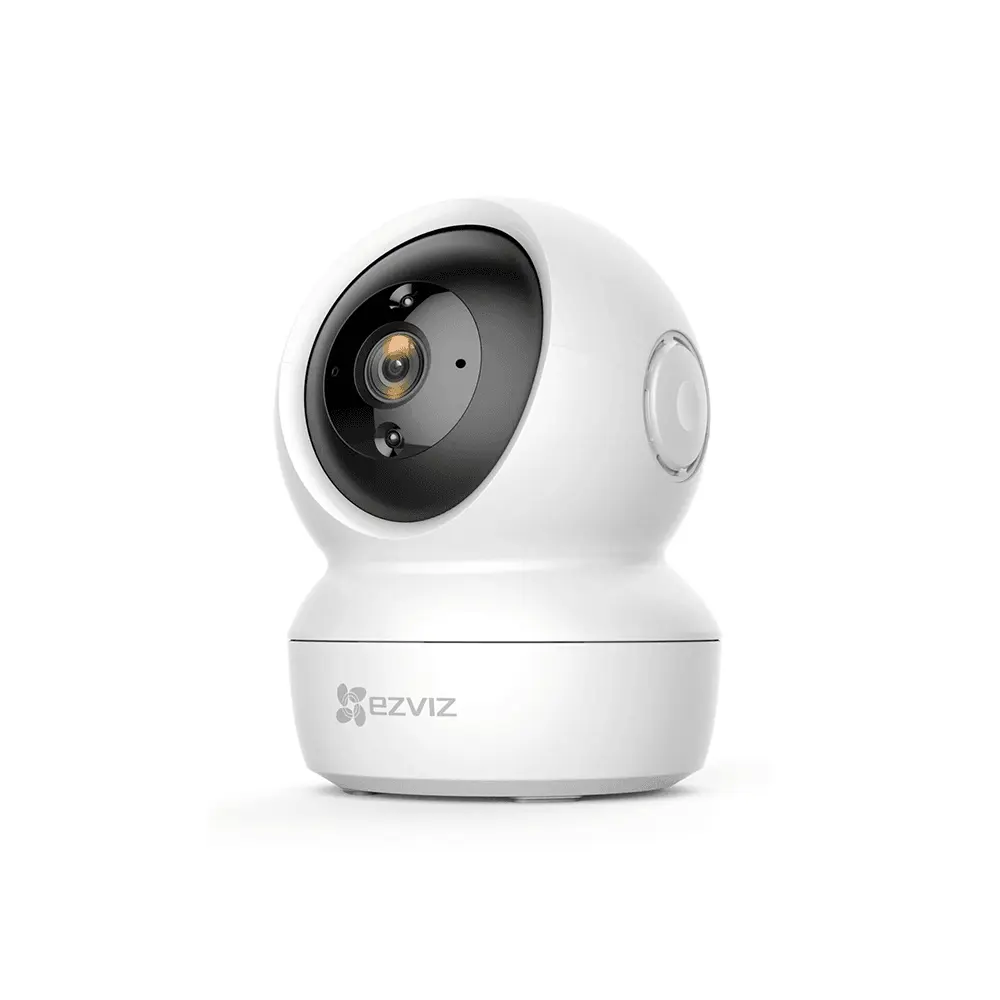
One app runs cameras, alerts, sharing and playback
One app for every EZVIZ device
The strength of the EZVIZ ecosystem is that a single account and a single app hold everything. Add an outdoor camera today, a video doorbell next month and a smart lock later, and each simply appears as a new tile on your home screen. You group devices by room or site — home, shop, warehouse — and switch between them instantly. For a business owner with cameras at three branches, this means one login shows every location rather than juggling separate systems, and any family member or manager you invite sees the same tidy layout.
Live view and the multi-camera dashboard
Tapping any camera opens a full live feed where you can pan and tilt motorised models, zoom, talk through the speaker, trigger the siren or take a snapshot. More useful day to day is the multi-view grid, which streams four or more cameras at once so you can scan a whole property in a glance. On a phone the grid is handy; on a tablet left on a shop counter it becomes a permanent monitoring wall. Stream quality adjusts automatically to your connection, dropping to a lighter feed on mobile data and returning to full resolution on Wi-Fi.
Recording, playback and timeline search
Every recording, whether stored on a microSD card or in the cloud, sits on a scrubbable timeline. Instead of watching hours of footage, you drag to the moment you want, and coloured markers show where motion or a detected person appeared so you can skip straight to events. If you know roughly when something happened — a delivery at noon, a noise at 2am — you reach it in seconds. Clips can be saved to your phone and shared, which is exactly what you need when handing evidence to a manager, a landlord or the police.
Smart notifications and detection zones
A camera that pings you every time a leaf moves quickly gets muted, and a muted camera protects nothing. The EZVIZ app fixes this with two tools. Detection zones let you draw the exact area that should trigger an alert — the doorway, not the busy street behind it. Person detection filters out cars, animals and shadows so you are notified about people rather than motion. You can also set schedules, so the shop cameras alert loudly at night but stay quiet during business hours. Tuned well, notifications become signals you actually trust.
Sharing access with family and staff
You rarely want to be the only person who can see the cameras. The app lets you invite others to a device or a group and choose what they can do — view only, or view plus playback and controls. A spouse might get full access to the home cameras, while a shift manager sees only the shopfloor camera during working hours. Because each person signs in with their own account, you never share your password, and you can revoke anyone's access instantly when a staff member leaves. This is far safer than the common habit of handing round one shared login.
Free features vs a CloudPlay plan
| Capability | Free (local storage) | CloudPlay plan |
|---|---|---|
| Live view and pan-tilt control | Yes | Yes |
| Playback location | microSD card | Encrypted cloud |
| Survives camera theft | No | Yes |
| Smart person alerts | Yes | Yes |
| Monthly cost | None | Per-camera fee |
Privacy, security and protecting your account
The account that controls your cameras deserves the same care as your bank login. Turn on two-factor authentication in the app so a stolen password alone cannot open your feeds, use a strong unique password, and review the list of devices signed into your account from time to time. EZVIZ encrypts video in transit and, on cloud plans, at rest, and you can set an image encryption password so recordings cannot be viewed without it. These few minutes of setup are what keep a security system from becoming a privacy risk.
The path your video takes from the camera to your phone
Frequently asked questions
Is the EZVIZ app free to use?
Yes. Downloading the app, adding devices, live viewing, pan-tilt control, two-way talk and playback from a microSD card are all free with no time limit. You only pay if you choose a CloudPlay subscription for off-site encrypted recording, which is optional.
Can I watch my Egyptian cameras while traveling abroad?
Yes. As long as the camera has internet at home and your phone has a connection abroad, live view and playback work anywhere in the world through the same app, with no extra configuration or fixed IP address needed.
How many cameras can one account hold?
A single EZVIZ account comfortably manages dozens of devices across multiple sites, which is plenty for a home and typical for a small business. For larger deployments you group devices by location and share specific groups with the right people rather than hitting any practical limit.
What happens to recordings if the camera loses power?
Local footage already written to the microSD card stays safe, but nothing new records while the camera is off. This is the main reason to add a CloudPlay plan or a battery-backed setup for critical points, so an intruder cutting power does not erase the moments that matter most.
Sources and Further Reading
Related guides
- Setting up EZVIZ cameras: complete app guide
- Mastering the EZVIZ app: tips and hidden features
- EZVIZ cloud storage plans compared
- EZVIZ H8 Pro: 3K pan-tilt outdoor camera
Put every camera on one screen
The app is only as good as the devices behind it. FastEgy, an official EZVIZ distributor in Egypt, supplies genuine cameras, doorbells and locks that all live in this one dashboard, plus local warranty and setup help so nothing is left half-configured. Start at the contact page or browse the full EZVIZ range in the FastEgy store.