Most people use the EZVIZ app for live view and the occasional playback, and never touch the settings that make it genuinely powerful. Mastering the EZVIZ app means going past the live picture into custom voice replies, smart arming schedules, precise sensitivity tuning and automations that make your devices work together. This guide collects the features long-time users rely on but newcomers rarely find, so you get more protection and fewer nuisance alerts from hardware you already own.
Key takeaways
- Record custom voice messages so a doorbell or camera answers visitors automatically.
- Use arm and disarm schedules so cameras behave differently by day, night and workday.
- Tune detection sensitivity and zones per camera to kill repeated false alerts.
- RTSP and Home integrations let advanced users pull EZVIZ feeds into other systems.
- Battery and bandwidth settings extend runtime and reduce data use on metered lines.
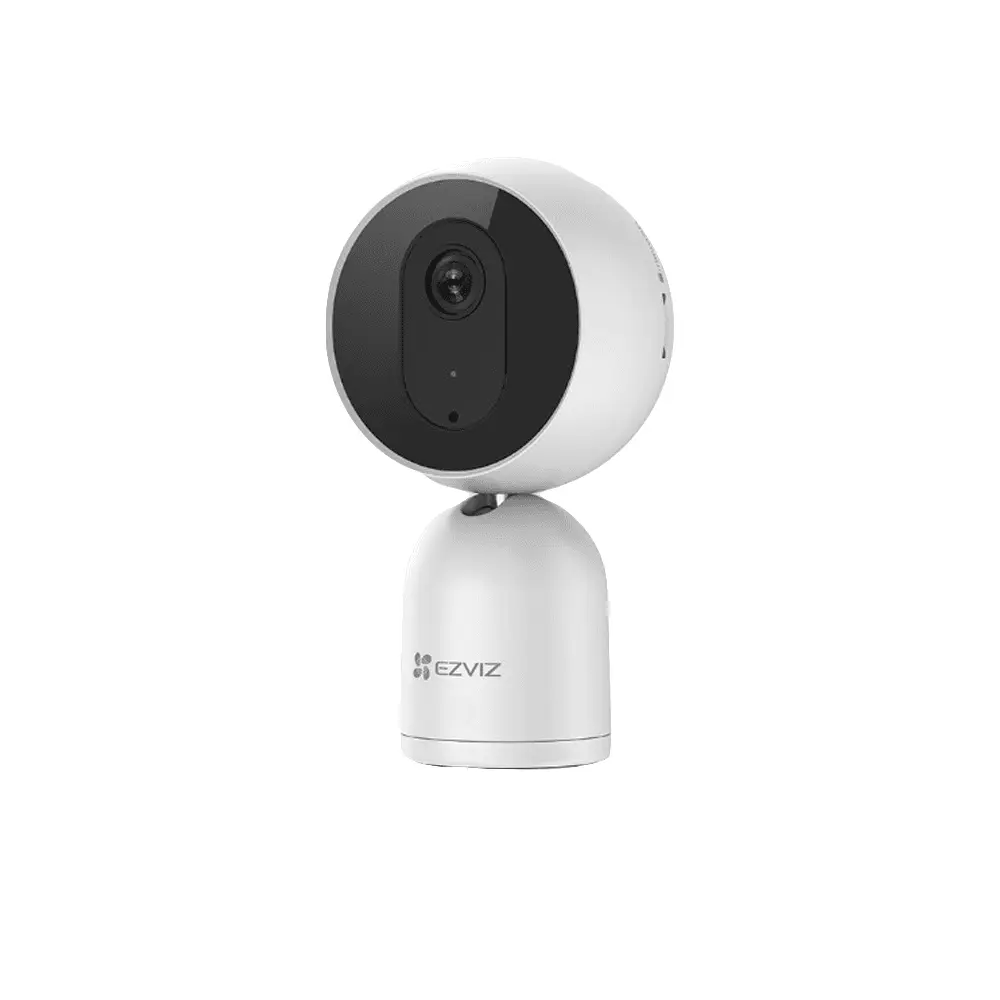
An EZVIZ home camera managed fully from the app
Custom voice messages and quick replies
On video doorbells and many cameras you can record your own voice prompts that play automatically or with one tap. Set a message like a delivery instruction so couriers hear where to leave a parcel even when you cannot answer, or keep a firm quick reply ready to warn off a loiterer without opening a live call. Businesses use this to greet customers after hours or to announce that the premises are monitored. It turns a passive camera into a device that speaks for you, which is far more effective than a silent recording.
Arm, disarm and privacy schedules
The app can change how each camera behaves by time of day without you lifting a finger. Set the home to arm automatically at night and disarm in the morning, or have an indoor camera enter a privacy mode that stops recording while the family is home and resumes when everyone leaves. Shops can silence business-hours alerts and switch to loud, siren-ready mode the moment they close. Because these modes follow a schedule, protection never depends on remembering to toggle it, which is exactly when people forget.
Fine-tuning detection sensitivity and zones
The single biggest cause of alert fatigue is sensitivity left on its default. In each camera's detection settings you can lower or raise how much movement triggers a recording, draw activity zones so only the doorway or till counts, and switch on person or vehicle filtering to ignore cats, shadows and passing traffic. Spend ten minutes here per camera and the flood of pointless notifications turns into a short list of events that genuinely deserve a look. This is the difference between a system you trust and one whose alerts you have learned to ignore.
RTSP and integrations for power users
Advanced users are not limited to the EZVIZ app. Many models expose an RTSP stream you can pull into a third-party network video recorder, a home server running software like Blue Iris or Frigate, or a wall display, letting EZVIZ cameras sit alongside other brands in one interface. Selected devices also work with Google Home and Amazon Alexa so you can call a live feed onto a smart display by voice. Enabling these is a matter of turning on the stream and copying an address, and it lets a growing setup stay unified rather than fragmenting across apps.
Battery and bandwidth saving tricks
For battery cameras and metered connections a few settings change everything. Drop the default recording length, switch continuous recording to event-only, and lower the stream resolution used for background clips while keeping full resolution for live viewing. On battery models, tightening the detection zone so the camera wakes for real events rather than every passing car can stretch a charge from weeks toward months. On a mobile-data or a busy home line, capping the upload bitrate keeps the cameras from starving the rest of your internet.
Hidden features at a glance
| Feature | Where it helps |
|---|---|
| Custom voice replies | Deliveries and deterrence |
| Arm/disarm schedules | Automatic day/night behaviour |
| Zones and person filter | Fewer false alerts |
| RTSP stream | Third-party recorders and servers |
| Event-only recording | Longer battery and less data |
Automations that link your devices
The real payoff comes when devices act on each other. Link a door or motion sensor so that opening it makes a nearby camera start recording and snap a photo, or have an outdoor camera detecting a person switch on a smart light to make the property look occupied. A video doorbell press can pop the feed onto every phone in the family at once. Building two or three of these small rules turns a set of separate gadgets into a system that reacts on its own, which is the whole point of a smart security setup.
The path your video takes from the camera to your phone
Frequently asked questions
Do all EZVIZ cameras support RTSP?
Most wired EZVIZ cameras do, but some battery models limit it to preserve power. Check the specific model's specification or ask an authorized seller before buying if third-party recorder integration is important to you, so you are not surprised after installation.
Will custom voice replies work when I am offline?
Yes. Once a voice message is saved to the device it plays automatically based on your rules even if your phone has no connection, because the response is stored on the camera or doorbell rather than triggered live from the app.
Can I copy my settings to a second camera?
Detection zones and sensitivity are set per camera because each watches a different scene, but schedules, notification preferences and account-level security apply across your devices. Setting up one camera carefully gives you a template you can quickly replicate on the next.
Are automations reliable enough for real security?
For deterrence and convenience they are dependable, but treat them as a layer rather than the whole plan. Keep core recording running independently so that even if an automation fails, the camera still captures the event. Used that way, automations add value without becoming a single point of failure.
Sources and Further Reading
Related guides
- The EZVIZ app: your security command center
- Setting up EZVIZ cameras: complete app guide
- EZVIZ cloud storage plans compared
- Building a complete EZVIZ smart home system
Get more from cameras you already own
Most of these features cost nothing but a few minutes in settings. If you want a system built to use them fully, FastEgy, an official EZVIZ distributor in Egypt, supplies genuine EZVIZ hardware with local warranty and can set the automations and schedules up with you. Start at the contact page or browse compatible devices in the FastEgy store.