Learning how to view security cameras on your phone is the moment a camera system becomes truly yours — the shop checked from bed, the kids checked from work, the villa checked from abroad. Modern systems make it honestly easy: no fixed IP, no router surgery, just a cloud account pairing your recorder or camera with an app. This guide walks the setup for both worlds we distribute — Hik-Connect for Hikvision systems and the EZVIZ app for smart cameras — then covers the parts most guides skip: sharing with family properly, what viewing costs your data bundle, and what to do the day the app says offline.
Key takeaways
- Phone viewing needs internet at both ends — but recording continues locally even with the line down.
- One main account owns the system; family members receive shares, never the password.
- Sub-stream viewing sips your data bundle; full quality can drink a gigabyte an hour.
- It works identically from Dubai or London — distance changes nothing.
- Offline in the app means the recorder lost the cloud, not the phone — fix at the recorder side.
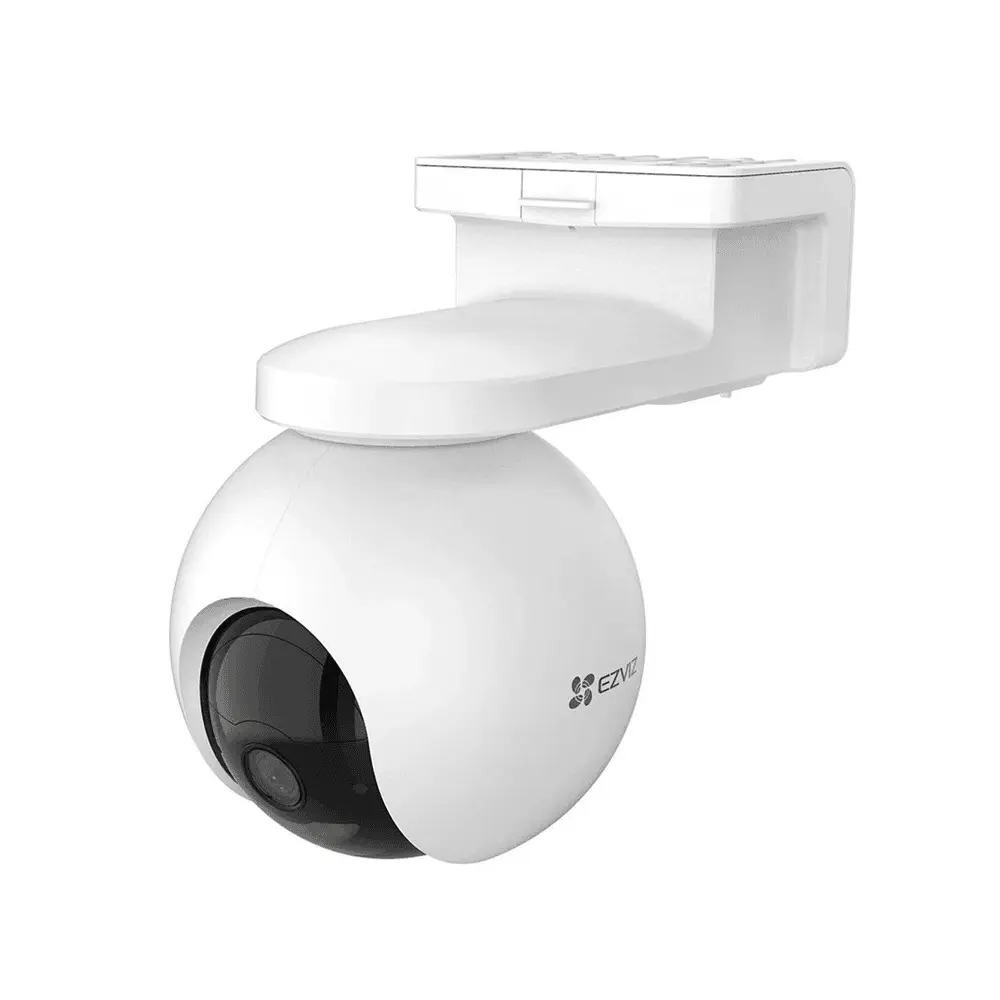
Any modern camera system should reach your phone in seconds
How phone viewing works now
The old way demanded a static IP and port forwarding — network surgery that broke with every router change. The current way is P2P cloud: your recorder or camera opens an outgoing connection to the manufacturer's cloud, your app connects to the same cloud, and the service introduces the two. Nothing on the router needs touching, dynamic Egyptian IPs stop mattering, and the connection is encrypted end to end with your device verification code. That architecture is why setup now takes minutes and survives ISP changes, router swaps and power cuts without reconfiguration.
Setup for a Hikvision system (Hik-Connect)
- On the recorder: Network settings, then Platform Access — enable Hik-Connect and set a verification code you keep private.
- Wait for the status to turn Online; if it refuses, check the internet, the DNS and the date first.
- Install Hik-Connect, create your account with the Egypt region, and verify your email.
- Add Device, scan the QR code from the recorder screen, enter the verification code — cameras appear.
- Name every camera by its position, and test playback before you leave the building.
Setup for EZVIZ cameras
EZVIZ cameras skip the recorder entirely: install the EZVIZ app, create an account, tap add, scan the QR code on the camera body, and connect it to your 2.4GHz Wi-Fi when asked. The camera appears in the app with live view, saved clips, two-way talk and its settings. Households running both worlds — a wired Hikvision system outside, EZVIZ comfort cameras inside — simply keep both apps; each does its own job, and both ride the same phone.
Sharing with family — the right way
The tempting shortcut — typing your password into your wife's phone, then your brother's — creates an unaccountable system where any phone can change settings and nobody can be removed cleanly. Both apps solve this properly with sharing: the other person creates their own account, you send an invitation, and you choose their powers — live view only, playback, talk, alarm control. The day circumstances change, one tap revokes one person without touching anyone else. Households, shop managers, drivers: shares for everyone, the password for no one.
What viewing costs your data bundle
Apps stream two qualities: the sub stream — light, sized for phone screens, roughly a quarter gigabyte per hour — and the main stream at full recording quality, which can pass a gigabyte per hour from a 4MP camera. The habit that protects your bundle: leave mobile viewing on the sub stream (labeled Fluent), and switch to full quality only for the moment you need to read a detail. On home Wi-Fi, watch whatever you like; notifications and snapshots, for scale, cost almost nothing.
When the app says offline
Offline describes the recorder's connection, not your phone's — so the fix always starts at the building: confirm the site's internet works, restart router then recorder, verify Platform Access still reads Online, set DNS to 8.8.8.8, and check the date. After power cuts, patience: the recorder usually reconnects within minutes of the router finding the line. The complete ordered checklist, screen by screen, lives in our Hik-Connect guide — and if the list runs out before the problem does, our support team takes over from there.
The path your video takes from the camera to your phone
Frequently asked questions
Can I watch without any internet at the site?
On the same local network, yes — the apps and desktop tools reach the recorder directly over Wi-Fi. From outside the building, no: remote viewing is exactly what the site's internet line carries.
Is a delay of a few seconds normal?
Yes — one to three seconds of latency is the nature of cloud relaying and nothing is wrong with your system. What is not normal is constant buffering, which points at weak upload at the site or a congested Wi-Fi.
Can I also watch on a computer?
Yes — Hikvision's desktop software brings the same cameras to a PC for serious review sessions, and the web portal covers quick checks. The phone remains the everyday tool; the desktop earns its place on export day.
Do notifications drain the battery?
The apps are polite background citizens; what kills notifications is the opposite — Android battery optimization silencing them. Exclude the app from optimization and give it notification permission, and both battery and alerts behave.
Sources and Further Reading
Related guides
- The complete Hik-Connect guide
- The EZVIZ app: your complete smart security hub
- CCTV cybersecurity: protecting your cameras from hacking
- 10 common CCTV problems and how to fix them
- Elevator Security Cameras
Leave with it working on your phone
Every system FastEgy installs is handed over with phone viewing configured, shares set for the family, and the quality settings tuned for Egyptian data bundles. Already have a system that never got connected? Reach us through the contact page and we will bring it to your pocket — or explore new systems in the FastEgy store.